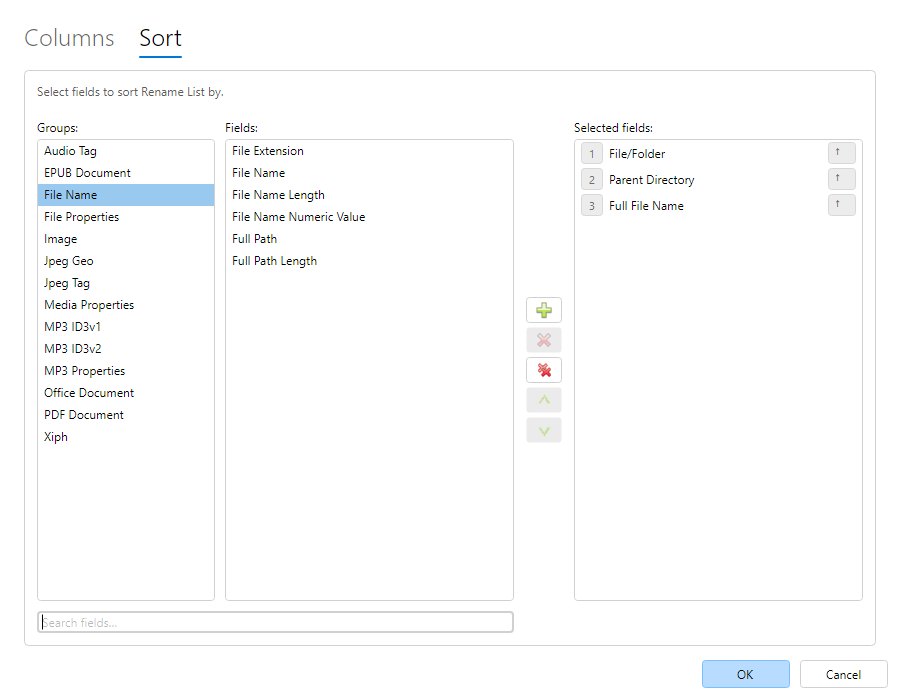
Auto-Sort defines one or more original (non-preview) fields used to keep the
Rename List ordered as items are added. Configure it on the Sort
tab of Select fields…, or with header clicks.
Earlier sort keys have higher priority. Equal values fall through to the next key.
Plain click a column header to sort by that column alone. Shift+click adds, flips, or removes
a sort level.
Sort keys do not have to be visible. Visible sort columns show direction arrows in the header.
Auto-Sort uses original catalog fields only. Preview columns cannot be Auto-Sort keys (a
one-shot header sort may still apply depending on mode).