Save the current Filter Chain (filters, order, options,
enabled flags) as a named preset for later load or CLI use.
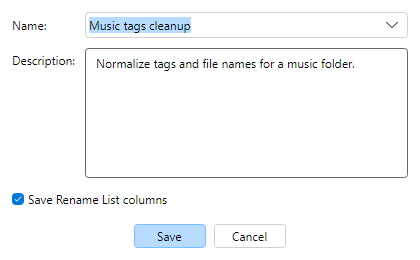
Click Save Preset above the Filter Chain (or Filters menu).
Enter a unique name and optional description. Presets are JSON in your AppData finebytes MFR
presets store. MFR 7 .mps can import once via
Import from MFR 7.
Optionally check Save Rename List columns to store the current
visible columns (and related layout) with the preset.
Load from the Presets drop-down or Preset Manager. MFR ships
with sample presets you can import.