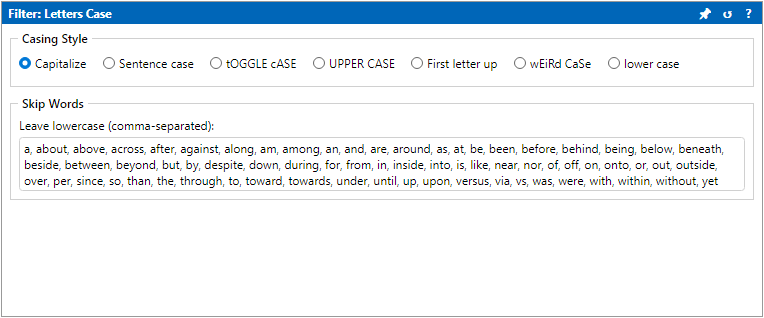
Filter Configuration shows options for the selected
Filter Chain step. When no step is selected, it shows
Select a filter in Filter Chain to configure it.
Edits are previewed automatically when Auto-Preview is on.
Title-bar 📌 saves the current options as the default for that
filter type (stored in your preferences). ↺ resets the selected step to
defaults. ? opens that filter's Help page.