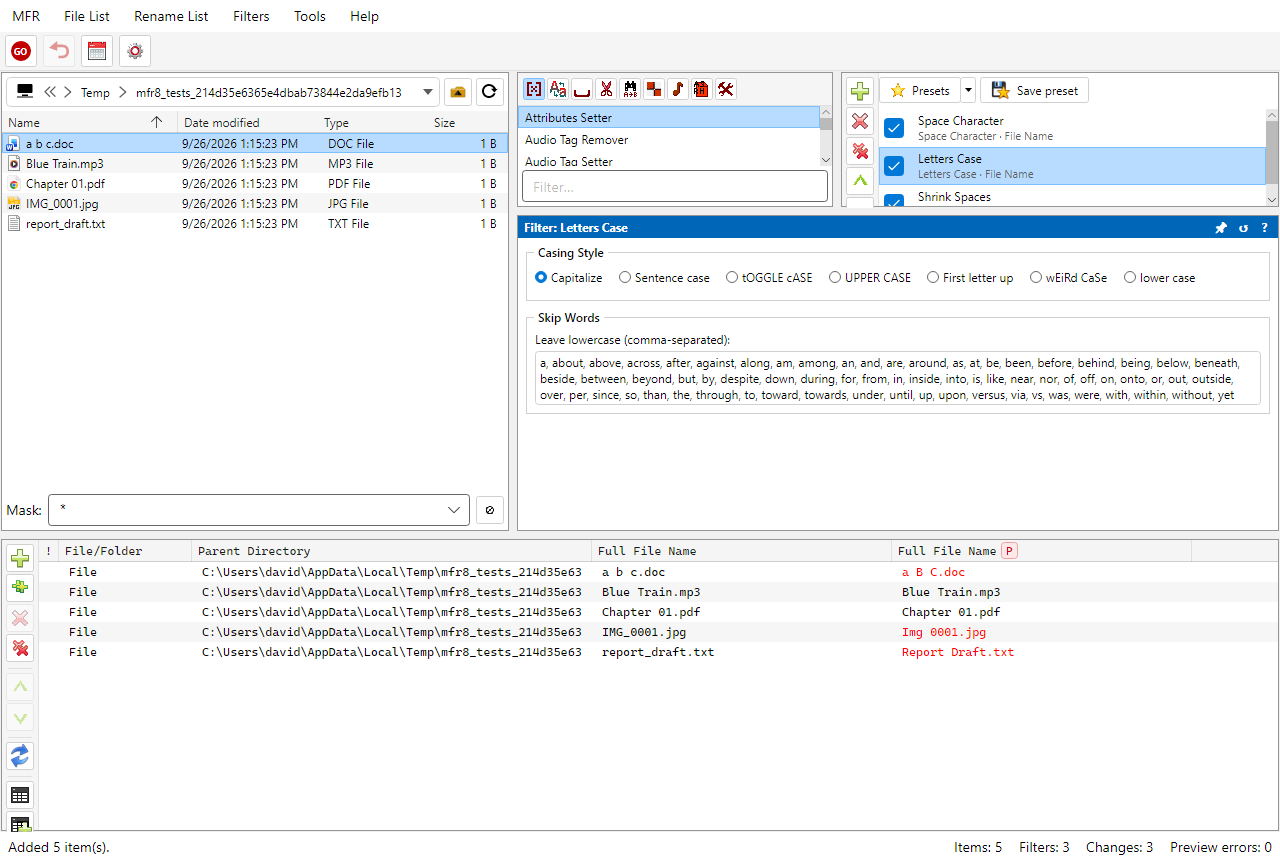
Browse in the File List, then add items into the Rename List.
1. Add items to the Rename List
Browse with the File List on the left (path combo, back / forward /
up / refresh, Mask, Exclude).
Select files or folders, then use Ctrl+Shift+S (Add selected) or
the Rename List toolbar. Ctrl+Shift+A adds everything shown in the
current folder (respecting Mask and Exclude).
Or drag files from Windows Explorer onto the Rename List.